Content practice
The post is ready. Why are you setting it up again?
You finished the caption. The visual looks right. Now pick the account, set the date, check the preview. Then do it for the next channel.
That last part came up when we used Overdrive Lab’s Market Research to ask why small agencies switch schedulers. In a HubSpot Community discussion, someone juggling more than 30 Facebook and Instagram profiles for clients described how much effort went into assigning times and selecting accounts. They wanted a queue with times they could set in advance.
That’s one person’s experience from 2023. It gave us a specific idea for a post about work that starts after the caption is done. Here’s how we turned it into a draft and what its approval and rotation could look like.
From research to rotation
Follow one post from the source to a sample approval and schedule.
Every placement came with setup.
A HubSpot Community member scheduling for clients with more than 30 Facebook and Instagram profiles described repeatedly choosing accounts and assigning times. They wanted a queue with preset times.
Read the original discussion from January 2023
Start the post at the moment the caption is finished and the scheduling work starts over.
Start with the work people repeat
Before you change your scheduling setup, pick one post you’ve prepared for multiple channels. Write down what you actually decided at each placement. Which version belongs there? Should the channels see it together or spaced apart? Which changes were just the same setup again?
For our post, we turned that into one question for the reader. Where should this idea go first, and where will it make sense next?
Give the idea a draft and a visual
The first line starts at the moment the post feels finished. Pick the account, set the time, check the preview. It’s easy to picture why that would feel repetitive.
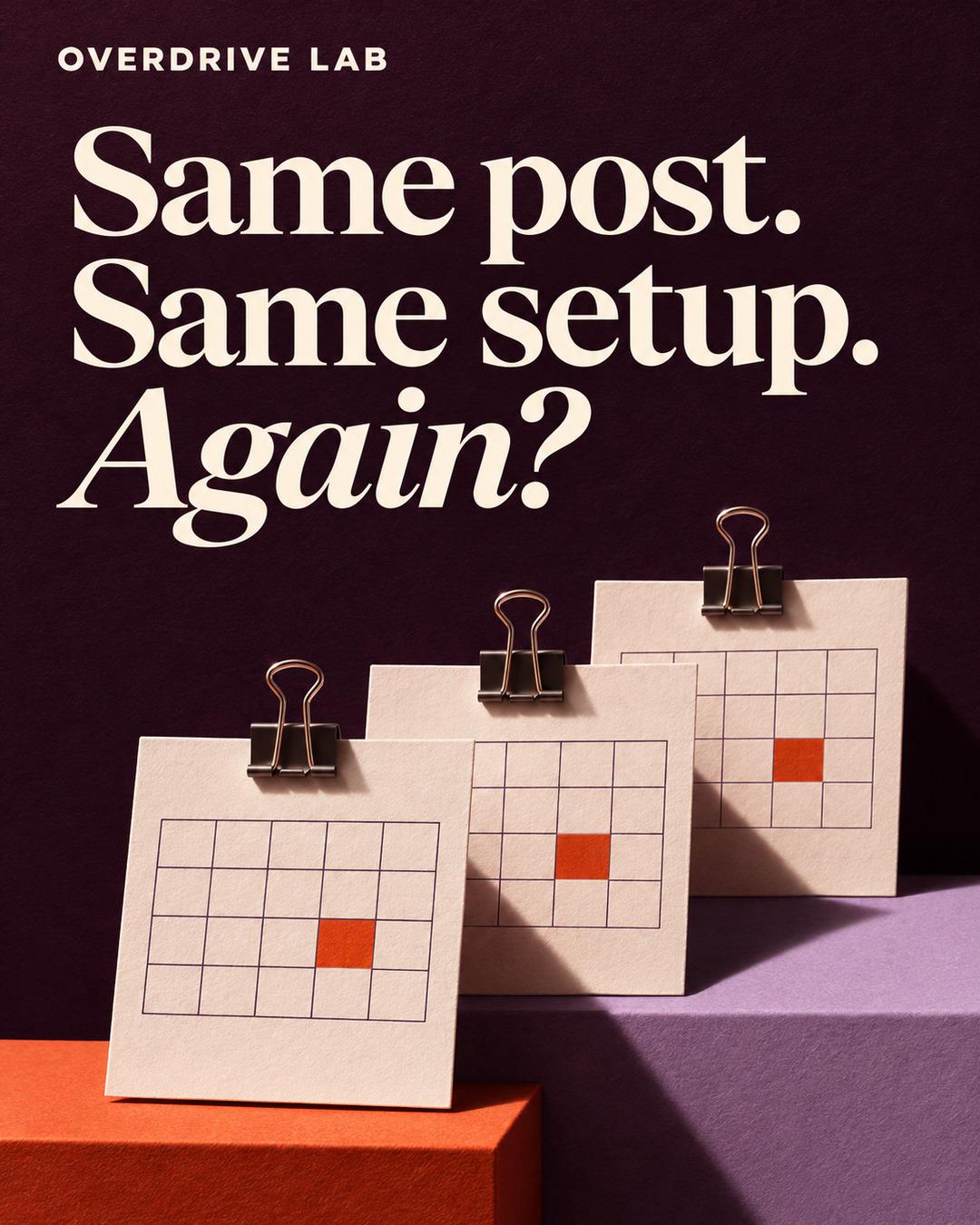
The visual takes the same moment and makes it visible. Three calendar slips repeat the same mark under the line “Same post. Same setup. Again?” The caption does a different job. It gives the reader a way to plan the next placement.
Review the work and the plan together
We’d ask for one revision before approving the example. Make it clear that the owner can check the channel versions and see the timing before giving final approval. That matters when the same idea needs a different opening on Threads, a shorter version on Bluesky, or an image on Instagram.
Overdrive Lab connects the draft, visual and review to the brand’s context. A review reason you choose to save can also inform later work once it’s available to the writing team. You give the final approval for what goes out.
Let the placements follow your cadence
For this example, we picked Instagram first, Threads two days later and Bluesky two days after that. In Overdrive Lab, One after another spaces the placements on the brand’s cadence. All at once schedules the selected placements together. Before final approval, you can review the versions, supported formats and times for the selected connected channels.
Start with one brand and one idea you’d put in more than one place. See where the same setup comes back and which decisions you actually want to make again.
If you’d like to try the workflow with your own brand, explore Overdrive Lab’s Founding Beta.